RelayLeads is what your customers see: your website and booking page. RelayOS is what you see: the app where you run the business. One account, one login.
What your customers see
RelayLeads
RelayLeads turns interest into booked business.
RelayLeads is the customer-facing side of a service business: a branded website and booking page where customers see prices, pick a time, pay a deposit and track their job. It is the product a business signs up for, and it runs on RelayOS.
✓Your business website, on your own link
✓A booking page with your real prices and open times
✓A deposit at checkout, paid to your own Square
✓A status page to reschedule, track the job and pay the final bill
✓Confirmations and reminders by text and email
What you see
RelayOS
RelayOS turns bookings into completed work.
RelayOS is the app a business runs on: the dashboard at app.relayleads.io where the owner sets up the booking form, prices and schedule, answers leads, runs jobs, sends invoices and sees how the business is doing. Every RelayLeads account includes it. Same login, nothing extra to buy.
✓A dashboard that shows every lead and job, and one next step on each
✓The booking form, prices and schedule your customers book against
✓Start Job, On my way and Close Job, from your phone
✓Invoices, payment nudges and follow-ups that send themselves
✓Leads, revenue and where your customers came from
One account. One login. Nothing extra to buy.
RelayOS
The app behind the booking page
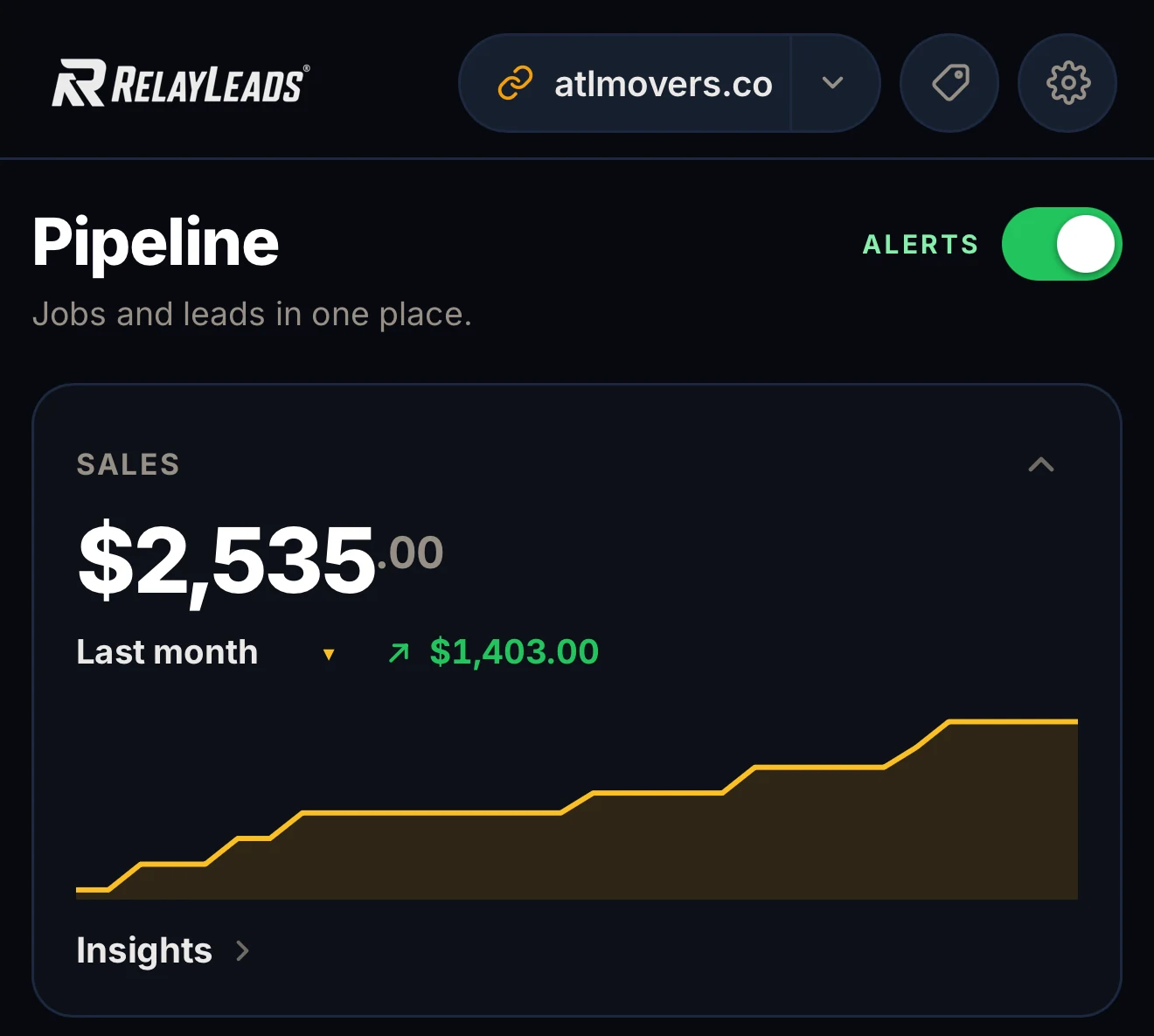
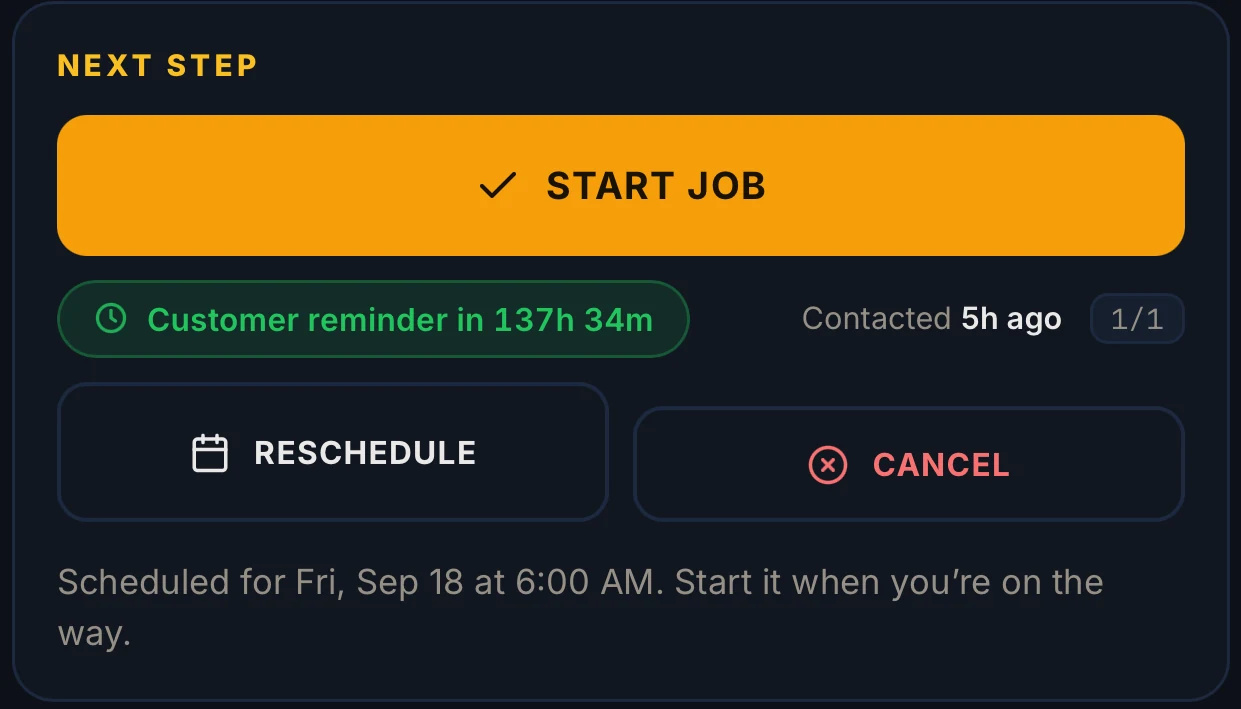
Real screens from a live operator account.
The RelayOS dashboard: this month, and what needs you.Next Step: one action per job.
How it flows
From a customer's first tap to a finished job
01
RelayLeads
A customer finds your link
They open your website or booking page from a search, a text or your social profile.
02
RelayLeads
They book
They answer your questions, see the price, pick a time and pay the deposit if you ask for one.
03
RelayOS
You get the lead
It lands in your dashboard with an alert on your phone, already priced and scheduled.
04
RelayOS
You follow the next step
Each lead shows the one thing to do now: send the payment request, nudge, or start the job.
05
RelayOS
You do the work
Tap On my way and Start Job. When you finish, close the job and send the final bill.
06
RelayLeads
They pay and it is done
Your customer pays from the same status page they have been following. No app, no login.
Step-by-step videos for every part of RelayOS are at
RelayOS Help →
Questions
RelayLeads and RelayOS, plainly
What is RelayLeads?
RelayLeads is the customer-facing side of your business: a branded website and booking page where customers see your prices, pick a time, pay a deposit and track their job. It is the product you sign up for.
What is RelayOS?
RelayOS is the operator app that RelayLeads runs on. It is the dashboard at app.relayleads.io where you set up your booking form, prices and schedule, answer leads, run jobs and send invoices.
How is RelayOS different from RelayLeads?
It is the same account seen from two sides. RelayLeads is what your customers see. RelayOS is what you see. If it happens on your website or booking page it is RelayLeads; if it happens in the app it is RelayOS.
Do I need a separate account or subscription for RelayOS?
No. Every RelayLeads account includes RelayOS, on the free plan too. You sign in once, with the same Google account.
Is RelayLeads a CRM?
No. A CRM gives you a database to browse and manage. RelayOS gives you a queue: every lead and job shows one next step, and the routine follow-ups send themselves.
Do my customers ever see RelayOS?
No. Customers only see your RelayLeads website, booking page and status page. They never need an app or a login.
Enter your business. We build the rest.
Free, takes about two minutes, no credit card. Your page, booking flow, and dashboard — built from a few quick questions.
Start here
We'll find your business on Google and build your booking page.