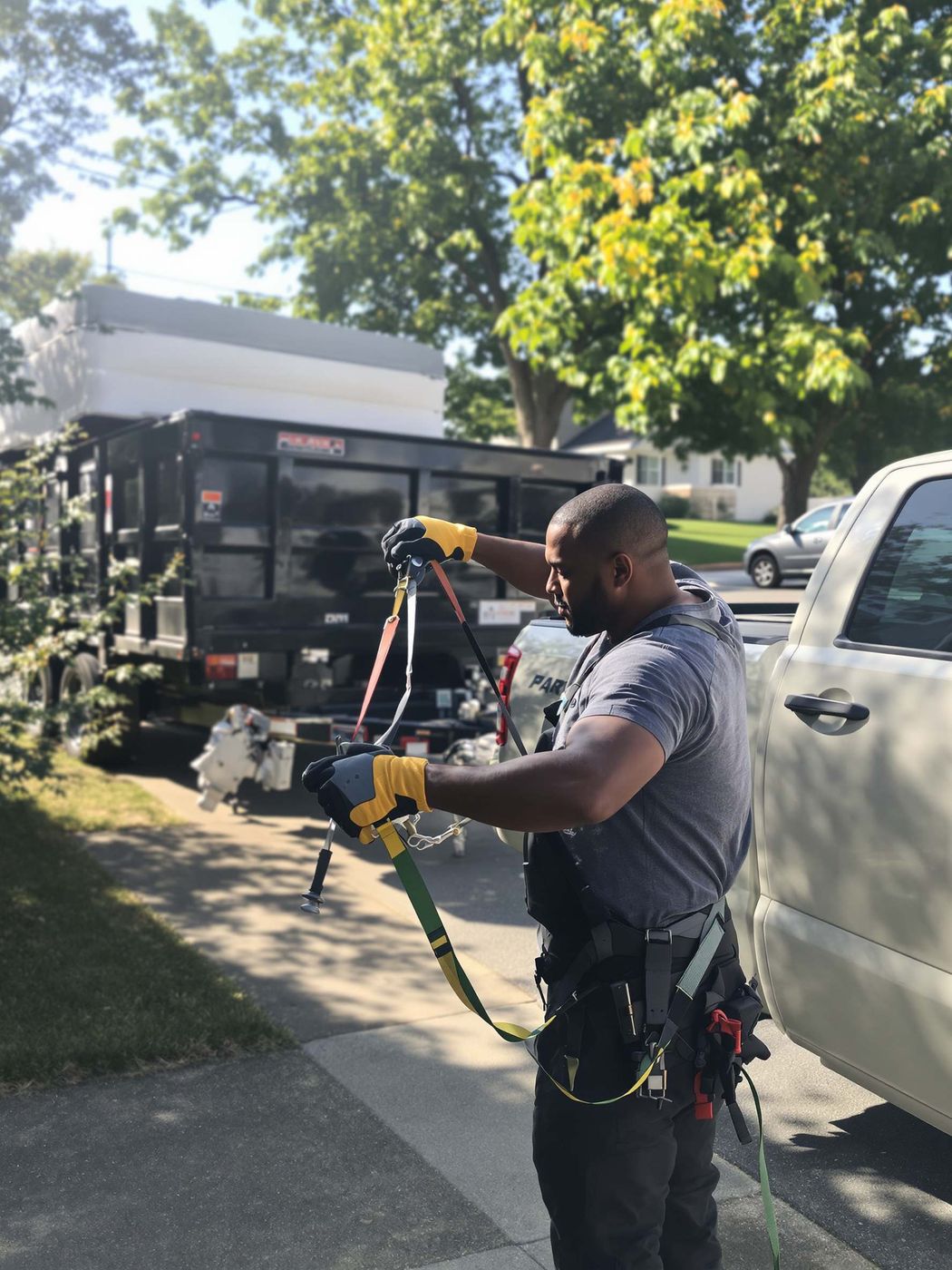
A pickup's tailgate used as a desk: a phone propped on a toolbox, gloves, a thermos and a clipboard

Platform

Not an all-in-one. All you need.

Every piece works off the same job.

Photo: a work truck's tailgate as a makeshift desk — a phone propped against a toolbox showing the RelayOS dashboard, work gloves, a coffee thermos, and a clipboard beside it; jobsite blurred in the background. Overhead-angle still life, warm daylight.

Your customers see RelayLeads: your website and booking page. You run it all from RelayOS, the operator app. One account, one login. How RelayLeads runs on RelayOS →

Website & booking page

A business website with booking built in — started from your Google listing, edited by tapping on your phone.

  • ✓Your site at your-business.sites.relayleads.io and relay.ly/your-business
  • ✓Tap to change text, photos, colors, fonts and sections; publish when ready
  • ✓Search-ready business details and a Google reviews button
How it works →

Requests & instant quotes

Your booking form asks what you'd ask and shows the price as soon as a service is picked.

  • ✓Trade-tuned questions, shown only when they apply, with photos attached
  • ✓Set prices, rates confirmed on the job, or quote-first — your call
  • ✓Every request pings your phone the second it lands
How it works →

Proposals & acceptance

Scope, price and milestones on one page — accepted from the customer's phone, on the record.

  • ✓Every version kept; acceptance recorded with who, when and a fingerprint
  • ✓The accepted version becomes the deposit and milestone invoices
  • ✓Free sends 3 a month; Pro sends as many as you need
How it works →

Deposits, invoices & payments

Customers pay on your own Square — deposit at booking, balance when the job's done.

  • ✓Percent or flat deposits, plus trip, same-day and after-hours fees
  • ✓Deposit, milestone, final and extra-charge invoices from your phone
  • ✓Record cash or check too; Relay never holds your money
How it works →

Scheduling & calendar

Exact times or arrival windows, checked against your Google Calendar, with capacity you control.

  • ✓Busy times on the calendars you pick are never offered
  • ✓Notice rules, booking horizon, and per-day crew capacity
  • ✓Multi-visit jobs, like delivery and pickup, run as one job
How it works →

Reminders & follow-through

Customers hear from you without you sending a thing — and you hear about anything waiting on you.

  • ✓Booking confirmations and a reminder text 24 hours before the job
  • ✓Nudges to you for unpaid invoices, lapsing holds and untouched leads
  • ✓A status page where customers reschedule, track the job and pay
How it works →

Offers & reports

Shareable links with the discount already applied, and a clear read on what came in.

  • ✓Percent, flat and buy-X-get-Y offers with shareable links
  • ✓Leads, revenue and where your customers came from
  • ✓Your month at a glance on the dashboard

CrewsPro

Hand each helper their part of a job. They claim it, start it and punch out with photos on their own phone.

  • ✓Invite by link, QR code or code; up to 12 people on a job
  • ✓The address unlocks only when they claim; your customer's contact details and prices are never shown
  • ✓You close the job once every part is punched out — free for helpers to join
How it works →

AI receptionist & NoonPro

Your own business number answered when you can't pick up, and an assistant that knows your leads.

  • ✓Jade answers, asks your booking questions and texts a link to book and pay
  • ✓Recording, transcript and summary on every call; spam screened out
  • ✓Noon helps with setup on every plan, and works your leads on Pro
How it works →
Playbooks

Pick your trade. The form is already built.

These aren't templates to fill in — each playbook ships the booking flow, options, and pricing model for its trade. Real forms below, straight from the platform.

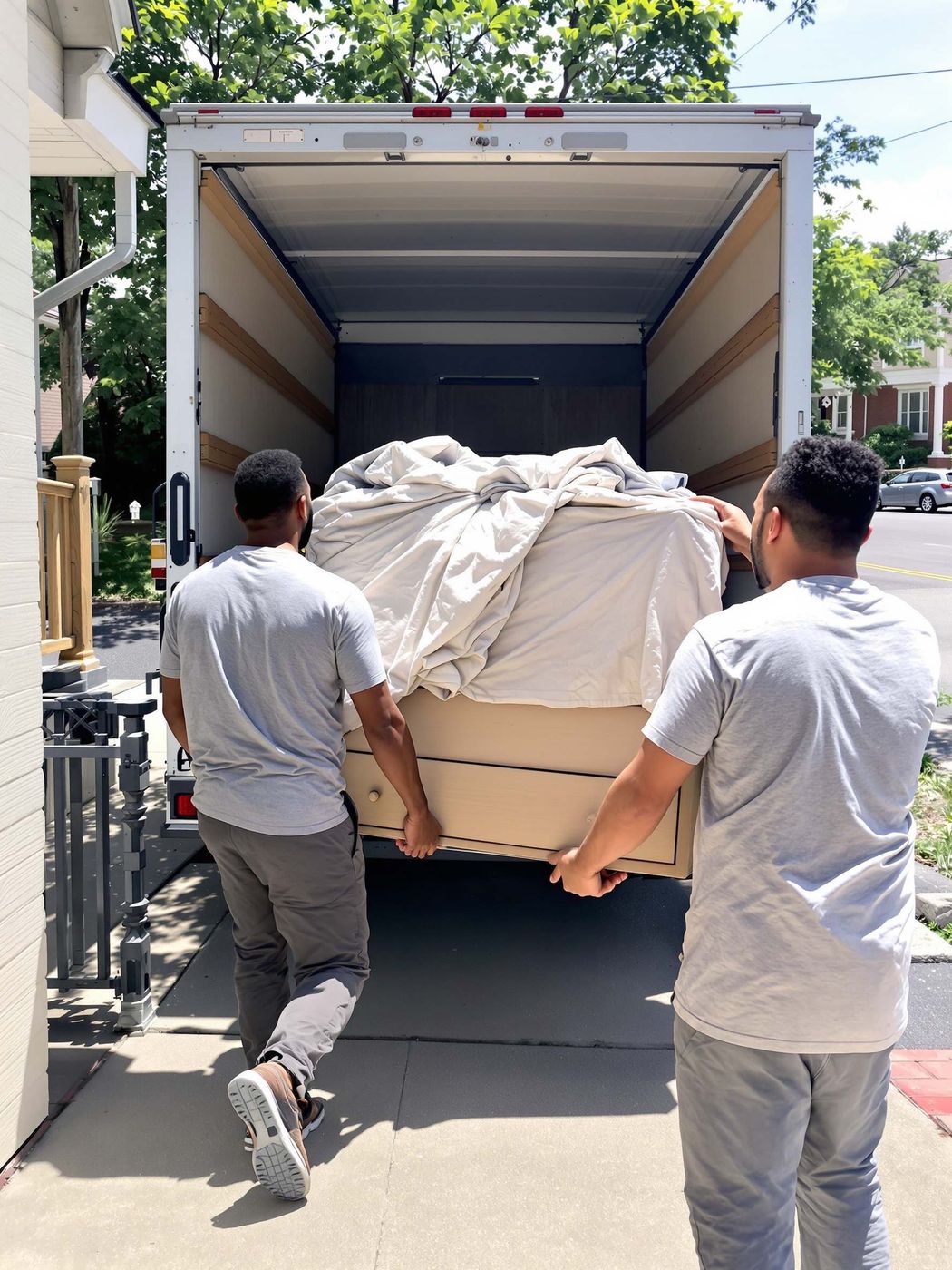
  • Movers
    relay.ly/your-business
    1. Your service
    2. Route
    3. Details
    4. Schedule
    5. Your details
    Pick your service
    Local moveLoad / unloadJunk removal
    Local move — billed hourly · 2-hour minimum priced live
    Junk removal — priced per load priced live
    TV mounting add-on priced live
    Book
    See the Movers playbook →
  • Cleaners
    relay.ly/your-business
    How often?
    WeeklyBi-weeklyMonthly
    Service × home size — priced from your matrix priced live
    Add-ons like ovens and windows priced live
    Book
    See the Cleaners playbook →
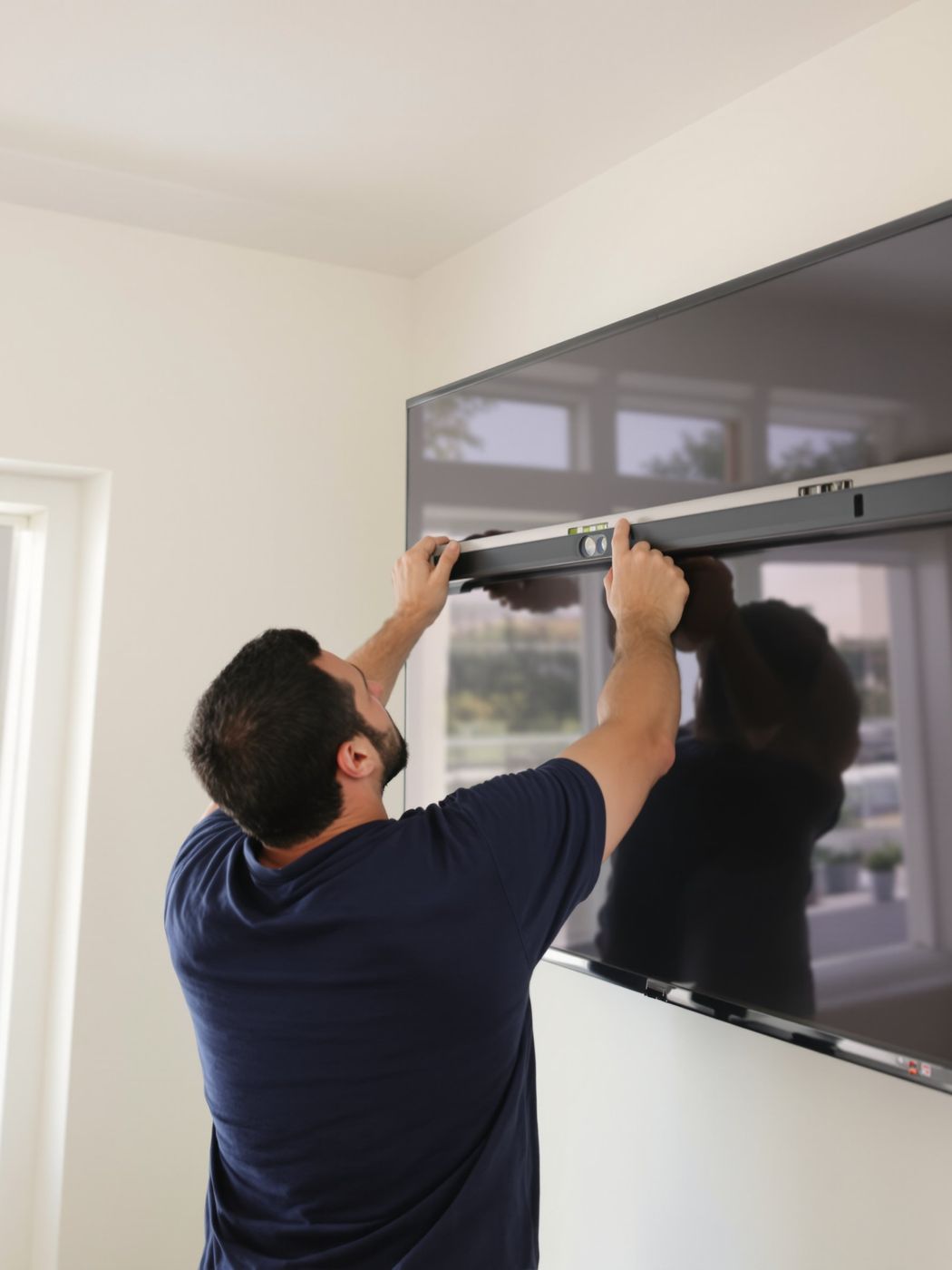
  • TV & Mount Install
    relay.ly/your-business
    Priced per TV — booked in a couple of taps priced live
    Add-ons offered at checkout priced live
    Book
    See the TV & Mount Install playbook →
  • Auto Detailing
    relay.ly/your-business
    Pick your package
    Express WashFull DetailPremium Detail
    Vehicle size adjusts the price — sedan to 3-row XL priced live
    Book
    See the Auto Detailing playbook →
  • Tire Shops
    relay.ly/your-business
    What do you need? — a priced service menu priced live
    Add-ons picked at booking priced live
    Book
    See the Tire Shops playbook →
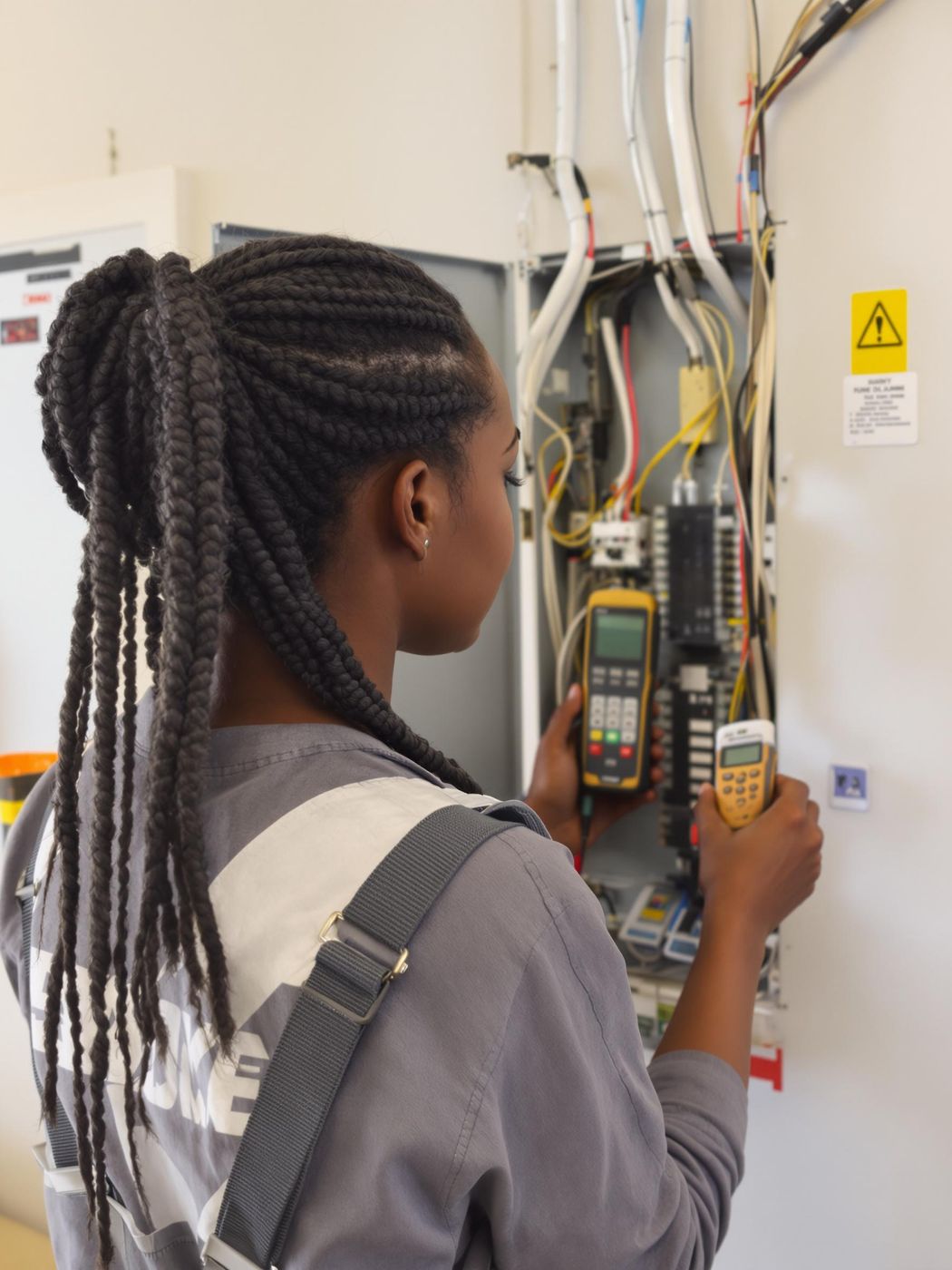
  • Electricians
    relay.ly/your-business
    What do you need?
    Outlet or switch not workingBreaker keeps trippingPanel or service upgradeUtility disconnect / reconnectEV charger install
    1 · Visit — books instantly, no payment needed
    2 · Electrical work — booked with the deposit once you've quoted it
    Book
    See the Electricians playbook →
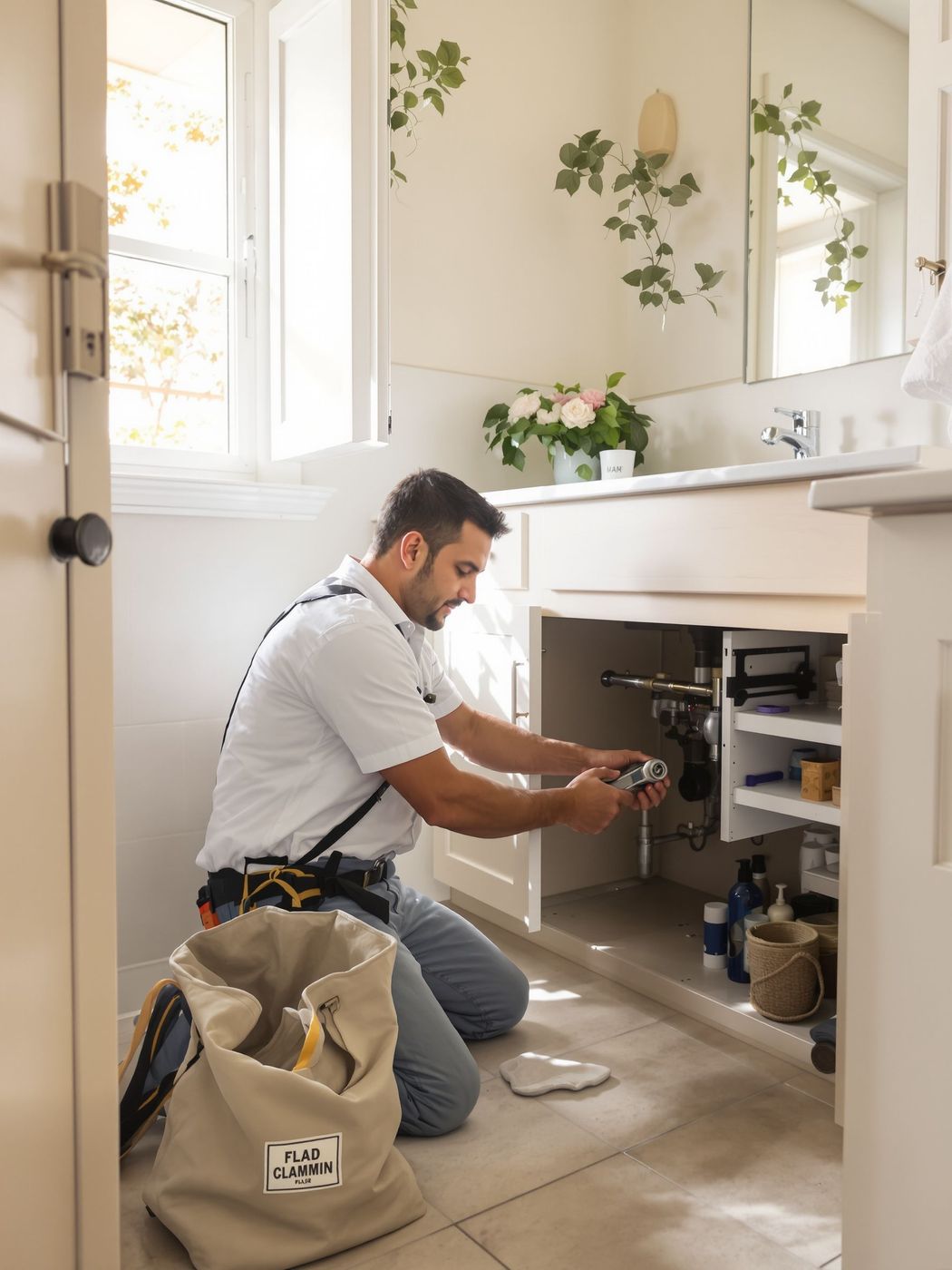
  • Plumbers
    relay.ly/your-business
    What do you need?
    Clogged drain or toiletLeak or burst pipeWater heater repair or replacementFaucet, sink or toilet installSewer or main line
    1 · Visit — books instantly, no payment needed
    2 · Plumbing work — booked with the deposit once you've quoted it
    Book
    See the Plumbers playbook →
  • Dump & Haul
    relay.ly/your-business
    1. Location
    2. Project
    3. Trailer
    4. Date & Price
    5. Your details
    Pick your trailer
    10 yd · Small loads14 yd · Most projects16 yd · Big cleanouts
    1 · Drop-off — books with the payment
    2 · Pickup — the customer schedules it from their booking link
    Book
    See the Dump & Haul playbook →
  • Equipment Rentals
    relay.ly/your-business
    What do you need?
    Mini excavatorSkid steerScissor liftGenerator (7.5kW)Air compressorSomething else
    1 · Delivery — books with the payment
    2 · Pickup — scheduled automatically with the delivery
    Book
    See the Equipment Rentals playbook →
  • Salons & Studios
    relay.ly/your-business
    Curated packages
    Express Refresh — Mani + PediSignature Spa — ★ Most popularLuxury Escape — the works
    Nails · Pedicures · Waxing · Enhancements — a priced menu priced live
    Body contouring — free consult or sessions priced live
    Book
    See the Salons & Studios playbook →
How it works

From request
to paid.

Four moments of a real job. These are operators' actual screens.

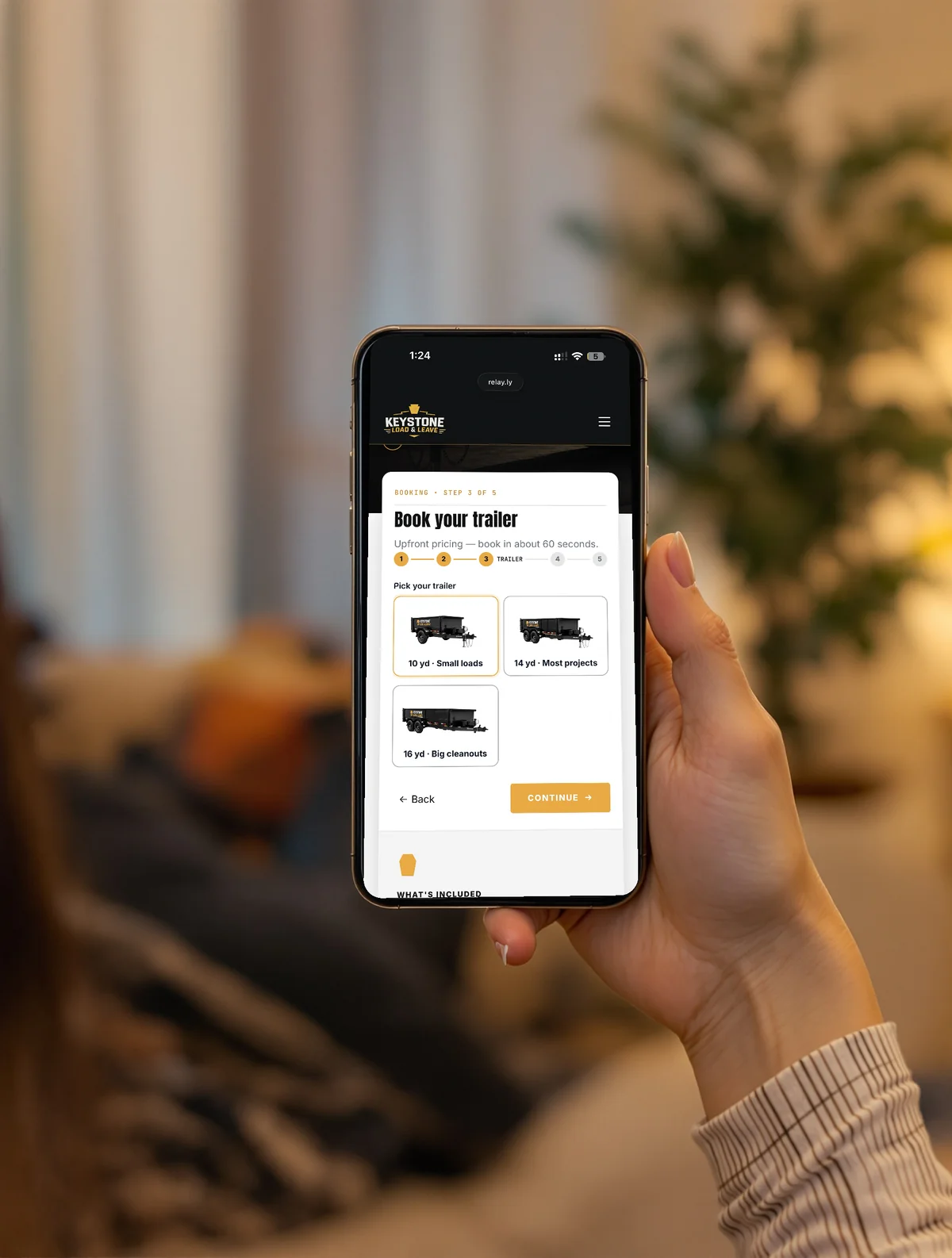
  1. A customer at home booking on her phone at relay.ly/keystone — picking a trailer size at step 3 of 5, with a Continue button.

    A customer books

    They pick the service and a time on your page — no call, no back-and-forth.

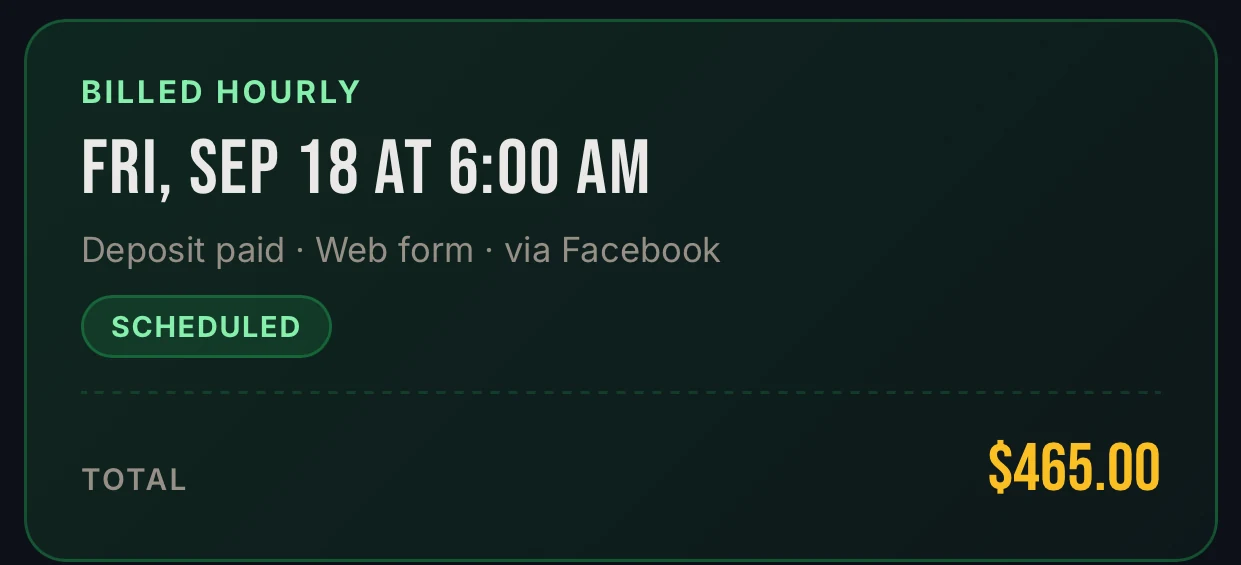
  2. A scheduled job in RelayOS: Friday Sep 18 at 6:00 AM, deposit paid, booked by web form via Facebook, $465 total.

    Deposit paid, date locked

    The job lands scheduled, deposit already in your own Square.

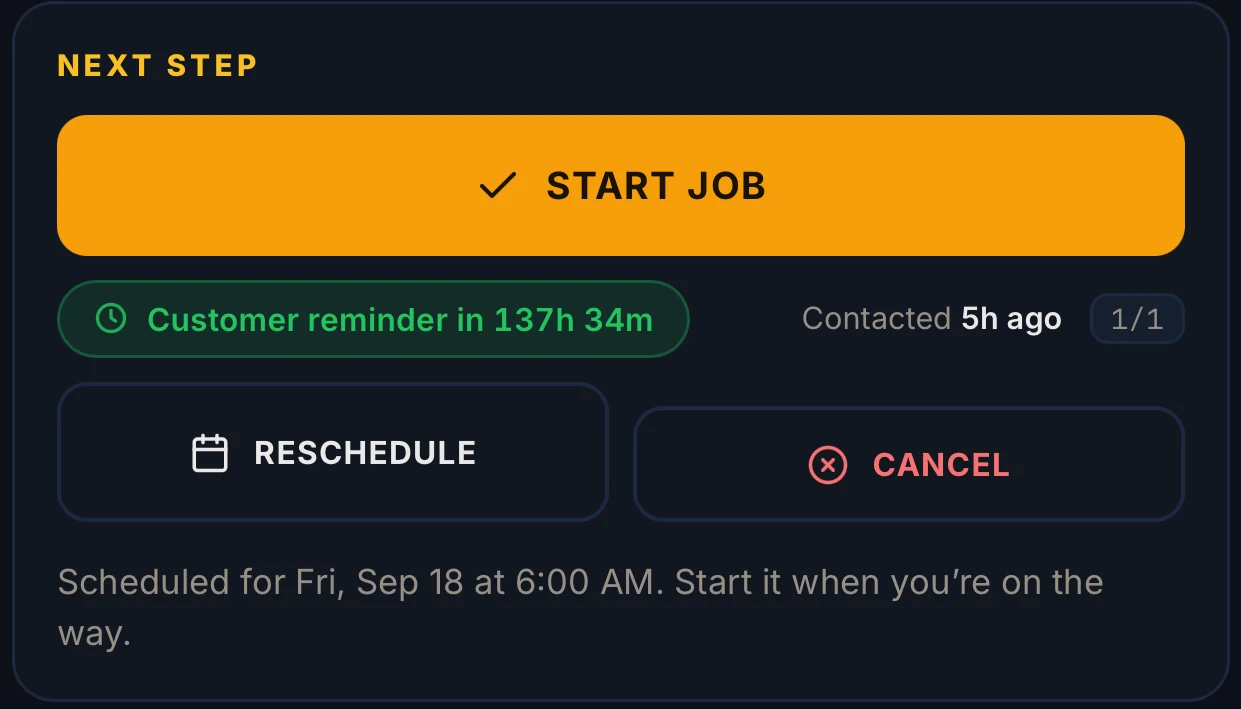
  3. The RelayOS Next Step card on that job: one Start Job button, a customer reminder counting down, and reschedule or cancel underneath.

    One button on the day

    Start Job — or hand parts of it to your crew. The reminder to your customer already went out on its own.

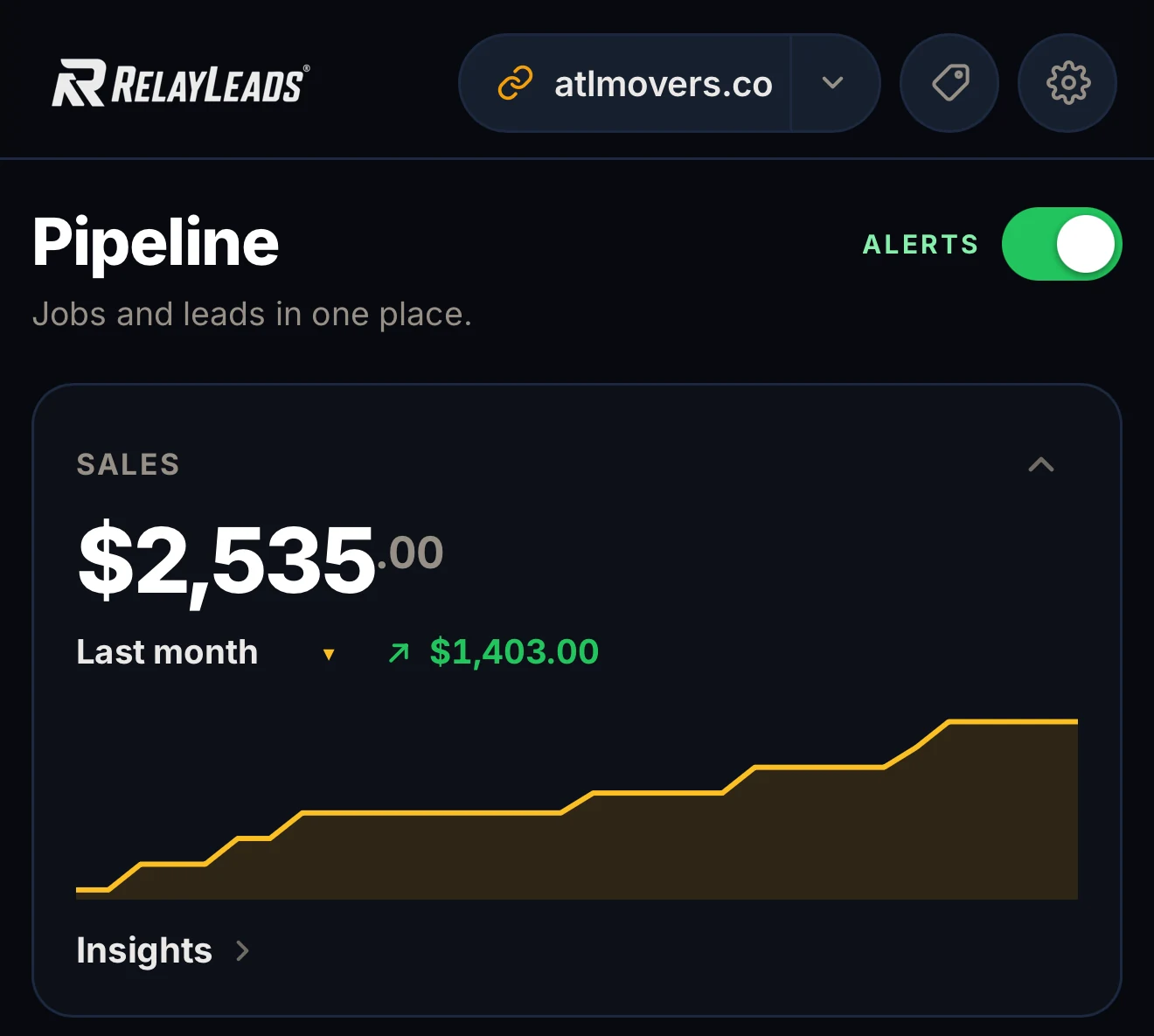
  4. The RelayOS dashboard for atlmovers.co showing $2,535 in sales this month, up $1,403 on last month.

    Paid

    Close the job, bill the balance from your phone, and watch the month add up.

Privacy by design

Customer data with an expiration date

Data leaks happen to software that hoards data. Relay seals customer contact details and lets them expire on a timer — while the records you actually need stay in the accounts you own.

Encrypted at rest

Contact details customers enter on your booking page are sealed with AES-256 encryption, with keys kept separate from the database.

Contact details expire

Contact details expire automatically after a period you set — 30 days by default, never more than a year. The job record stays, so your books stay whole.

Lean message records

Our delivery records have no field for a phone number or the message text, and the lead alerts on your phone are encrypted and carry a pointer to the job, not the customer's details.

Your records outlive the timer

The lasting business record lives in accounts you own — payments in your Square account, jobs on your Google Calendar. When details expire in Relay, you can still reference everything from your own connections.

We don't sell customer information. Read the full plain-English disclosure →

Enter your business. We build the rest.

Free, takes about two minutes, no credit card. Your page, booking flow, and dashboard — built from a few quick questions.

Start here We'll find your business on Google and build your booking page.